Download the approved files for documents, products and websites.
Logos
SVG with a transparent background. Where each colour goes: Logos.


App icons and favicons
Each set holds the SVG, PNG and ICO favicons, the Apple touch icon, the 192, 512 and maskable icons and the web manifest; see Favicons. Each website’s own set is in its zip on Web assets.


Patterns
The hexagon pattern, one file per corner, in white for brand blue grounds. SVG; see Backgrounds.


Decorative patterns, all variants.
Photographs
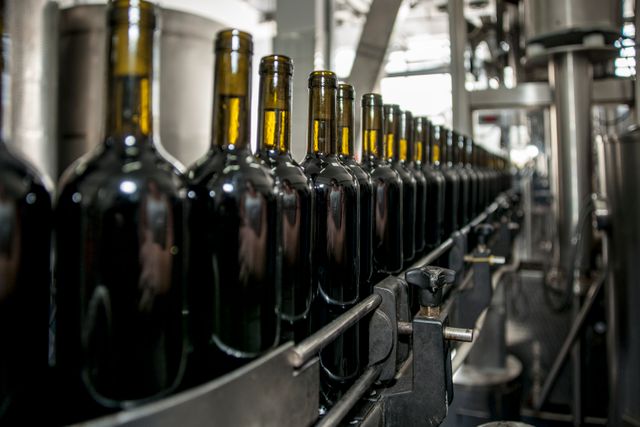
Photographs, product views and current app screens, grouped by subject. Stock photographs link to the photographer’s source for download under its licence; use them as context, never as an AIS installation or customer. A video frame is never a cover, in print or on screen; see Imagery.
AIS Vision Systems


AIS REV 360 STANDARD

AIS REV 360 COMPACT


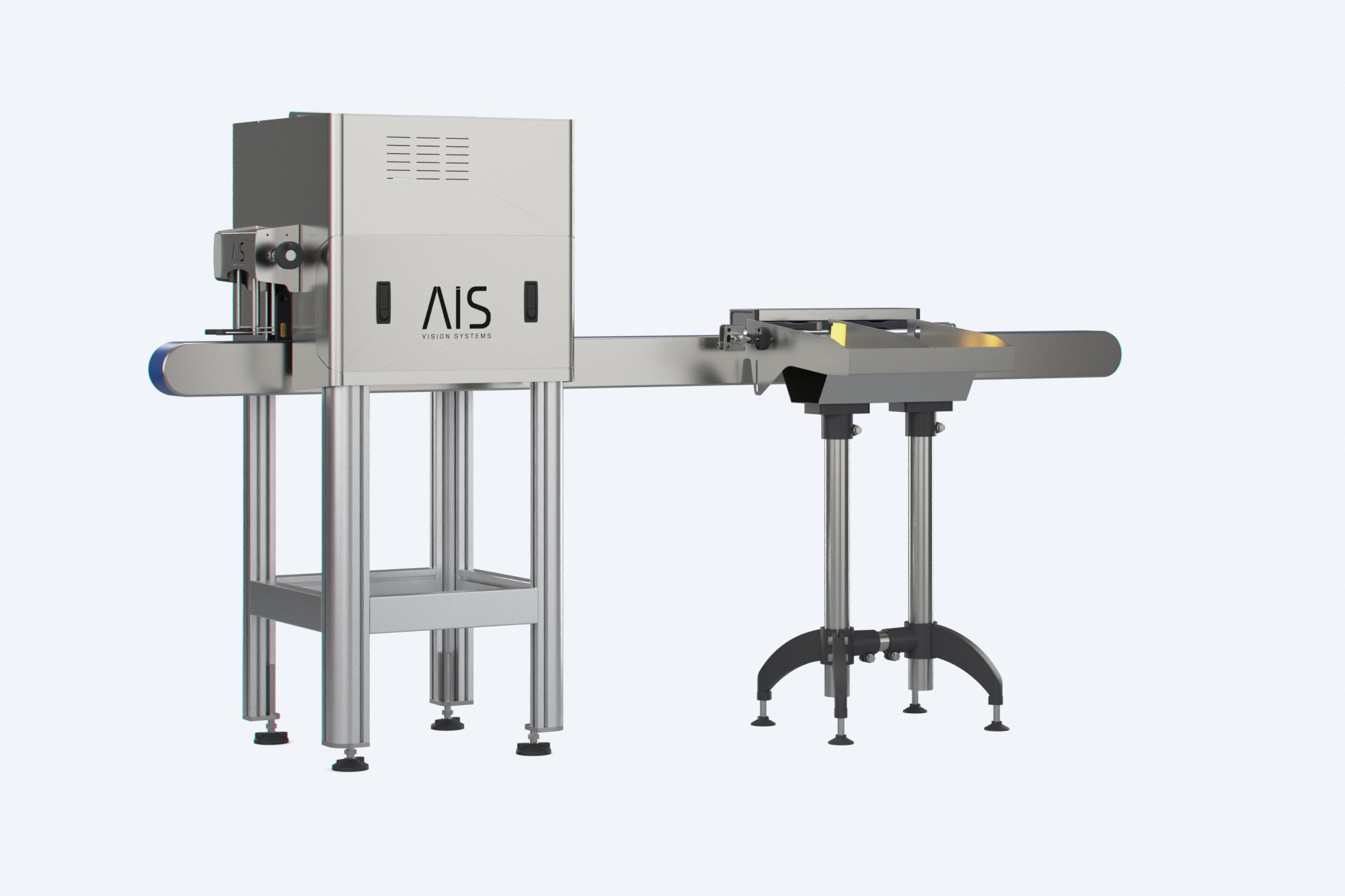


AIS REV 360 Cables


AIS KARIKÓ


OPTICAIS


Industry


Events


Rosepetal app


AIS Hopper
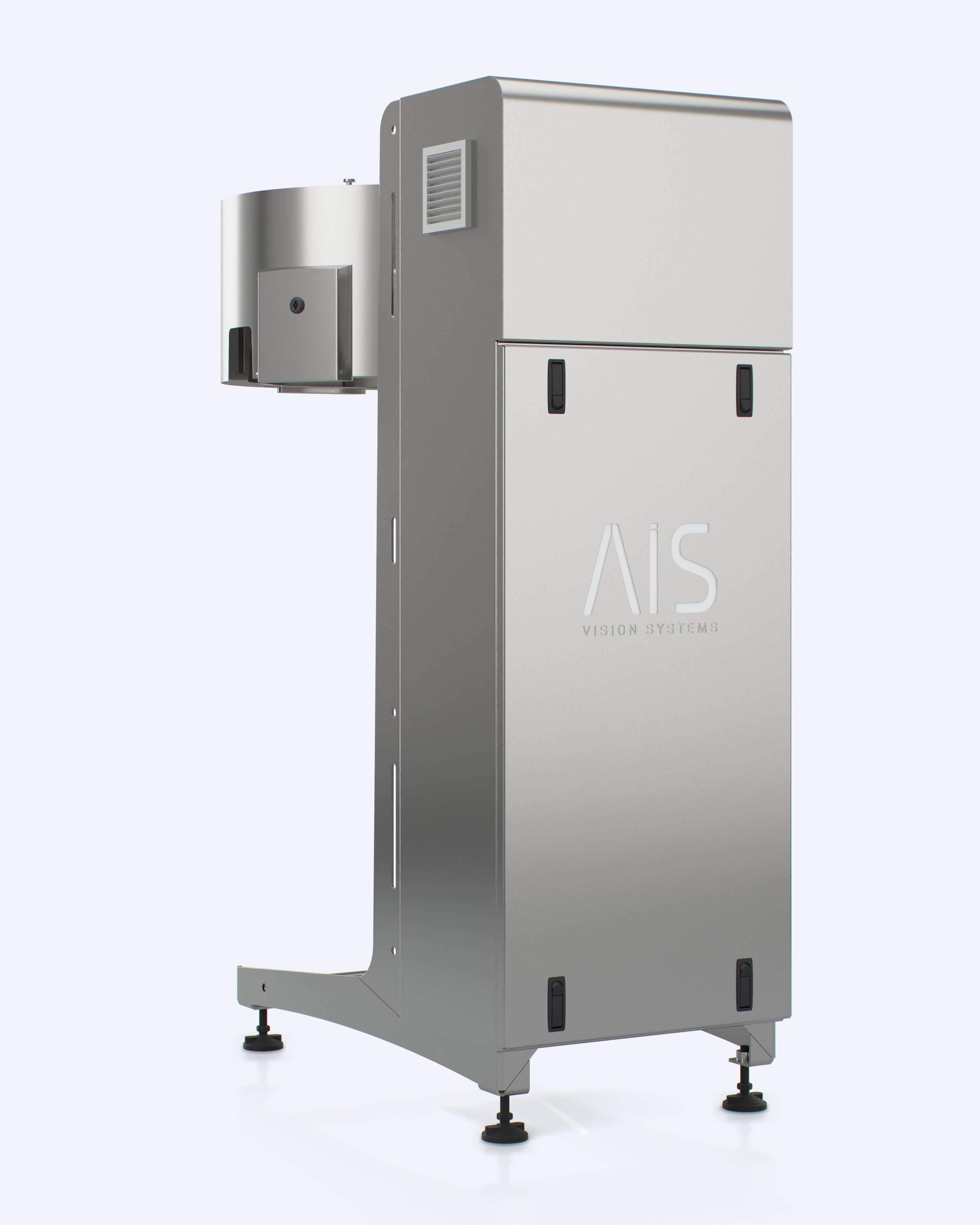


AIS REV 360 PHARMA

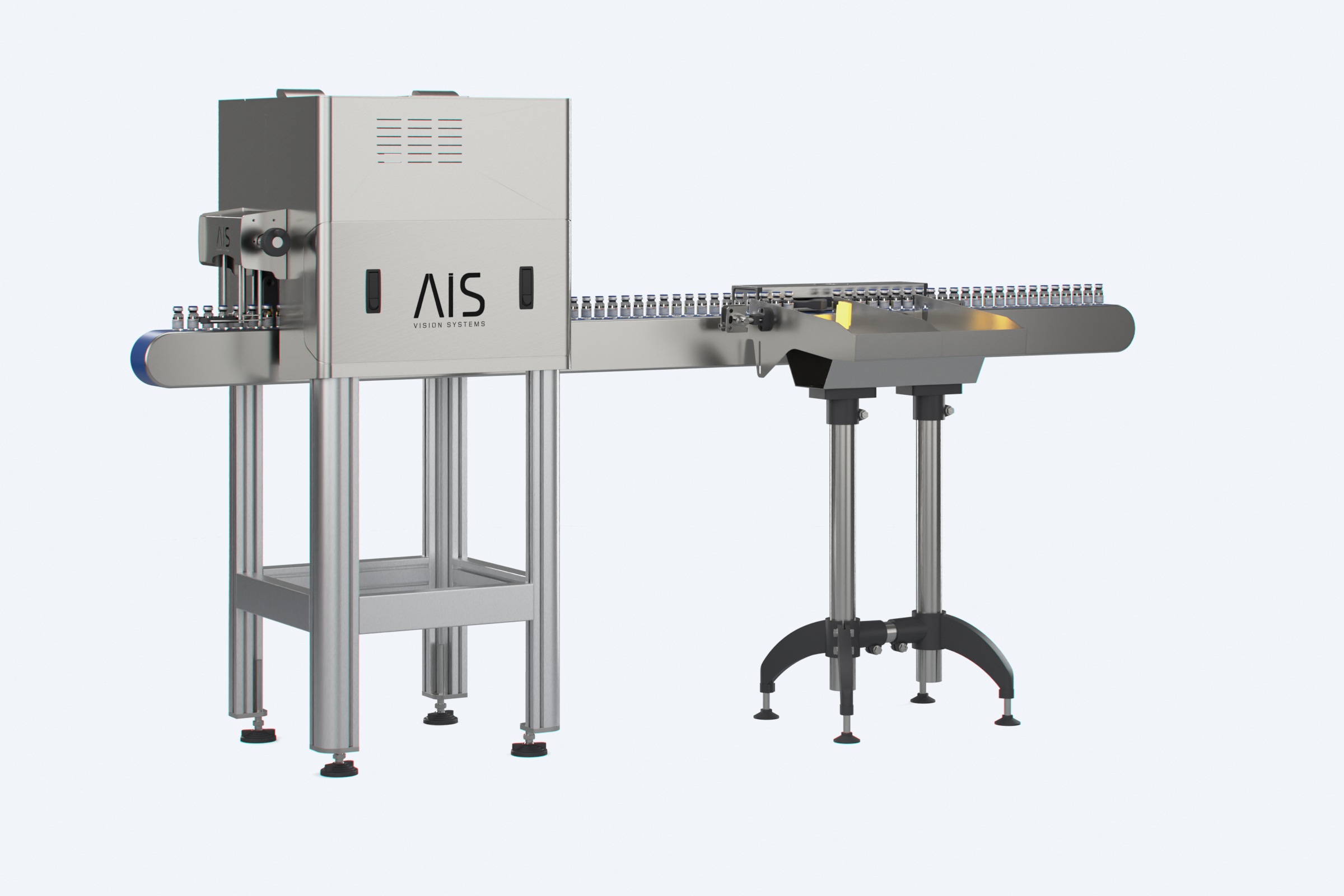


AIS Vacuum

Stock photographs




Videos
The brand intros, and marketing’s intro films with real footage (1080p for websites and posts, 4K for editing).


Music
Rosepetal’s soundtrack: instrumental tracks for Rosepetal films and animations, each with an alternative take. AAC (M4A), 48 kHz.
| Track | Main take | Alternative take |
|---|---|---|
| Ambient trip-hop | ||
| Quiet Beauty | M4A, 3:48Download | M4A, 3:49Download |
| Silent Pulse | M4A, 4:04Download | M4A, 3:38Download |
| Fragile Piano Motif | M4A, 3:18Download | M4A, 3:25Download |
| Quiet Tail | M4A, 3:32Download | M4A, 4:49Download |
| Silent Pulse v2 | M4A, 4:08Download | M4A, 3:35Download |
| Fragile Pauses | M4A, 3:38Download | M4A, 3:50Download |
| Tail of Silence | M4A, 3:37Download | M4A, 3:38Download |
| Piano and Room | M4A, 3:37Download | M4A, 3:35Download |
| Ambient electro | ||
| Euphoric Piano | M4A, 3:00Download | M4A, 2:59Download |
| Fragmented Darkness | M4A, 3:48Download | M4A, 3:49Download |
| Ambient techno | ||
| Dissolving Sequence | M4A, 3:38Download | M4A, 2:59Download |
Typefaces
Both typefaces are free under the SIL Open Font License. Install the desktop versions for documents and slides.
| File | Contents |
|---|---|
| inter-latin.woff2, inter-latin-ext.woff2 | Inter for websites, Latin and Latin Extended |
| jetbrains-mono-latin.woff2, jetbrains-mono-latin-ext.woff2 | JetBrains Mono for websites, Latin and Latin Extended |
| OFL-Inter.txt, OFL-JetBrains-Mono.txt | The licence of each typeface |
Icons
The core set of Lucide icons as SVG, with the Lucide licence. See Icons.
Colour and type tokens
| File | Contents |
|---|---|
| ais-theme.cssViewDownload | The Tailwind v4 theme: @aisgroup/design/styles.css, the Rosepetal products’ tokens |
| ais-tokens.cssViewDownload | The same values as CSS custom properties, for print, email and anything without Tailwind |
| ais-tokens.jsonViewDownload | Design tokens (W3C DTCG format) |
| ais-web-theme.cssViewDownload | Tailwind’s text sizes as the brand type styles, and the field border, on ais-theme.css and ais-tokens.css. The websites use its type block on ais-tokens.css alone; see Website components. |
Every product is built with Tailwind v4 on ais-theme.css, the Rosepetal products’ tokens (@aisgroup/design/styles.css), so the classes are the app’s: bg-primary, text-muted-foreground, bg-page, border-border. It needs tw-animate-css. The websites load ais-tokens.css instead, under their own components; see Website components.
@import "tailwindcss";
@import "./ais-theme.css";
Tools
| File | Contents |
|---|---|
| Chart toolkitViewDownload | Vega-Lite brand config (light and dark), the chart renderer (render.mjs), ten example specs and the ECharts theme for the product. See Data visualisation. |
| ais-vega-config.json, ais-vega-config-dark.json | The Vega-Lite brand config, light and dark |
| ais-echarts-theme.json, ais-echarts-theme-dark.json | The ECharts theme for the product, light and dark |
| overlay.mjsViewDownload | The detection overlay renderer, with five example specs in examples. See Imagery. |
| brand-check.jsViewDownload | The brand check: load it into any page and run aisBrandCheck(). It reports sideways scrolling, broken words, fonts and colours outside the brand, typed symbols, small text, missing alternatives and, with axe-core, accessibility violations. See Accessibility. |
For AI agents
Name the brand and the guide version in your task, read the relevant page, and use these exact files.
| File | Contents |
|---|---|
| brand.mdViewDownload | Every rule of this guide in one file, also in Spanish and Catalan. See AI agents. |