Every finished piece AIS Vision Systems and Rosepetal can send or publish today, ready to download. Brochures and catalogues are available in Spanish and English; each card lists its available languages. Presentations are in Spanish; LinkedIn posts are in Spanish and English. For a new piece, another language or a change, start from the closest piece here and ask marketing, or ask Claude with the AIS Group Design plugin (AI agents).
Brochures and catalogues
AIS Vision Systems
 Food catalogue10 pages
 Beverage catalogue10 pages
 Cosmetics catalogue8 pages
 Pharmaceutical catalogue10 pages
 Wine catalogue9 pages
 AIS Hopper3 pages
 AIS KARIKÓ3 pages
 AIS REV 360 Cables3 pages
 AIS REV 360 COMPACT, canning3 pages
 AIS REV 360 PHARMA3 pages
 AIS REV 360 STANDARD3 pages
 AIS Vacuum3 pages
 OPTICAIS3 pages
Rosepetal
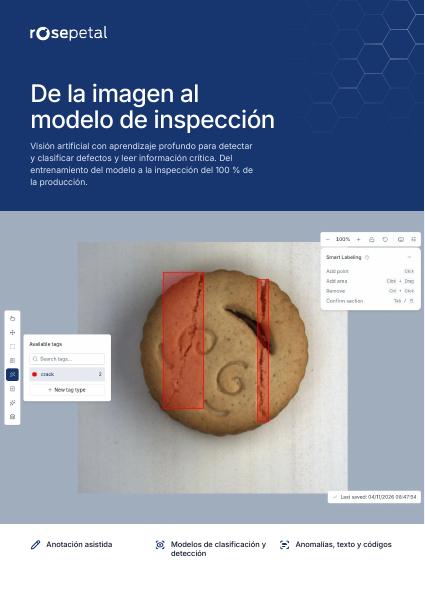 Rosepetal3 pages
Datasheets
AIS Vision Systems
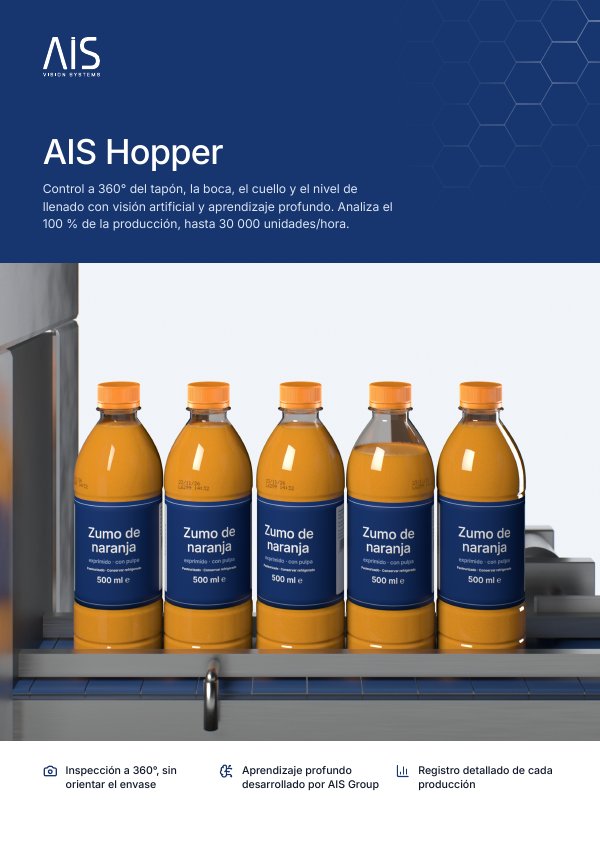 AIS Hopper4 pages
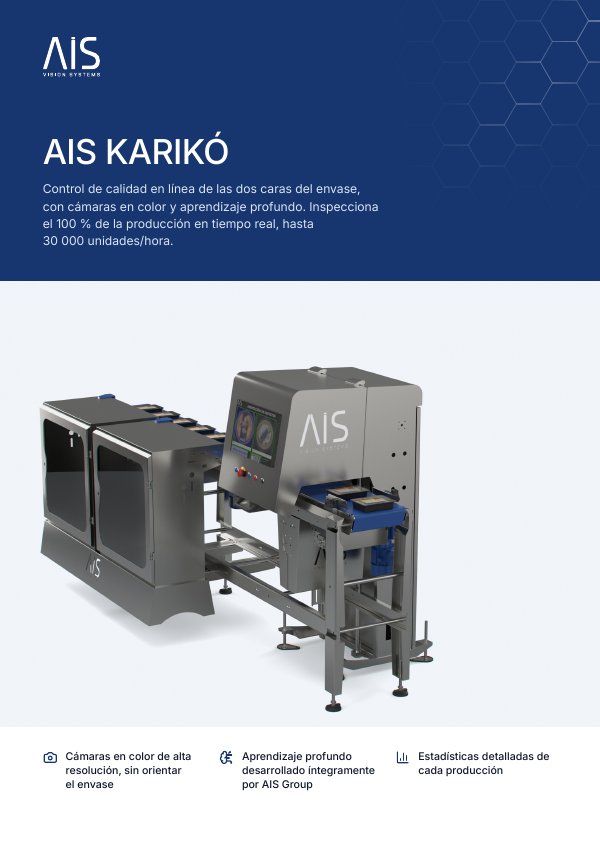 AIS KARIKÓ4 pages
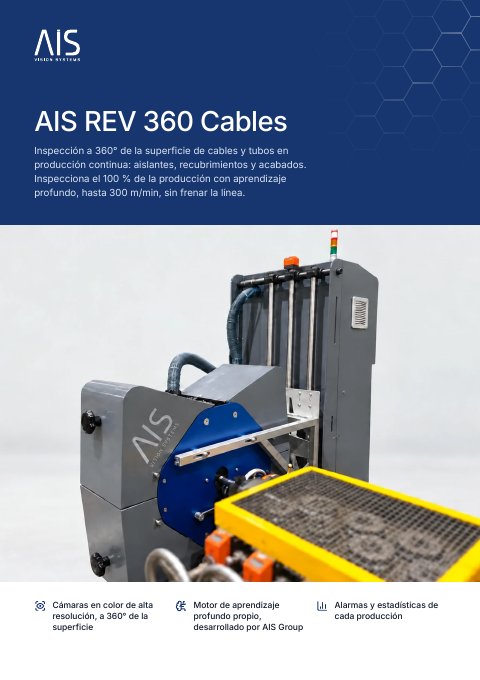 AIS REV 360 Cables4 pages
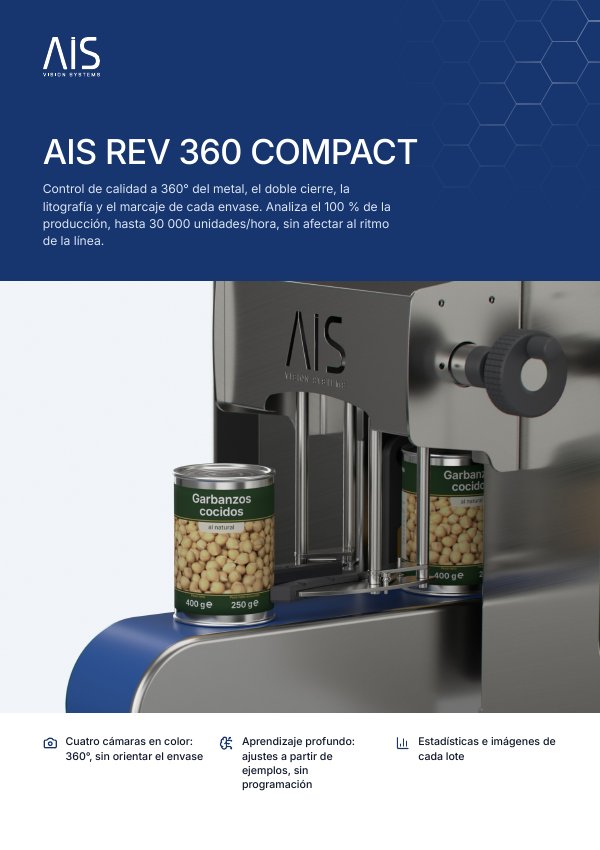 AIS REV 360 COMPACT, canning4 pages
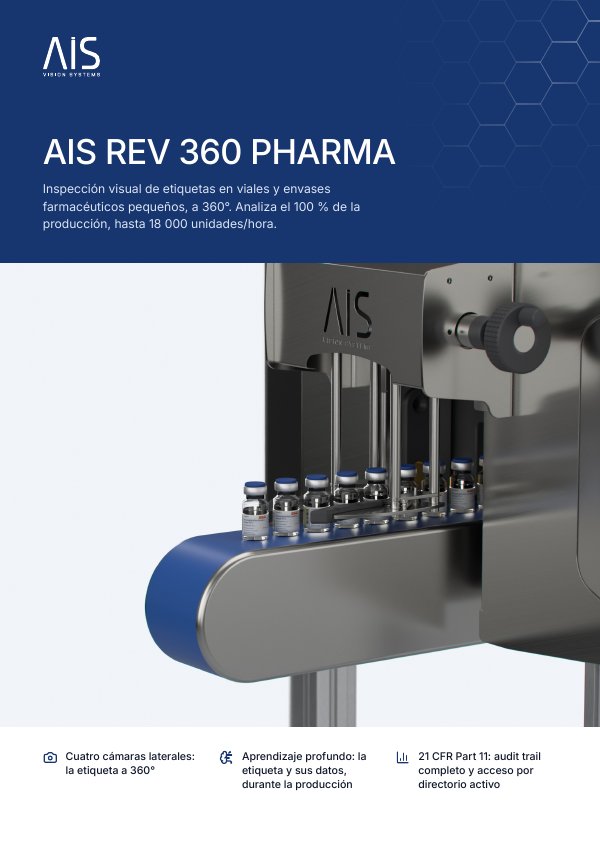 AIS REV 360 PHARMA4 pages
 AIS REV 360 STANDARD4 pages
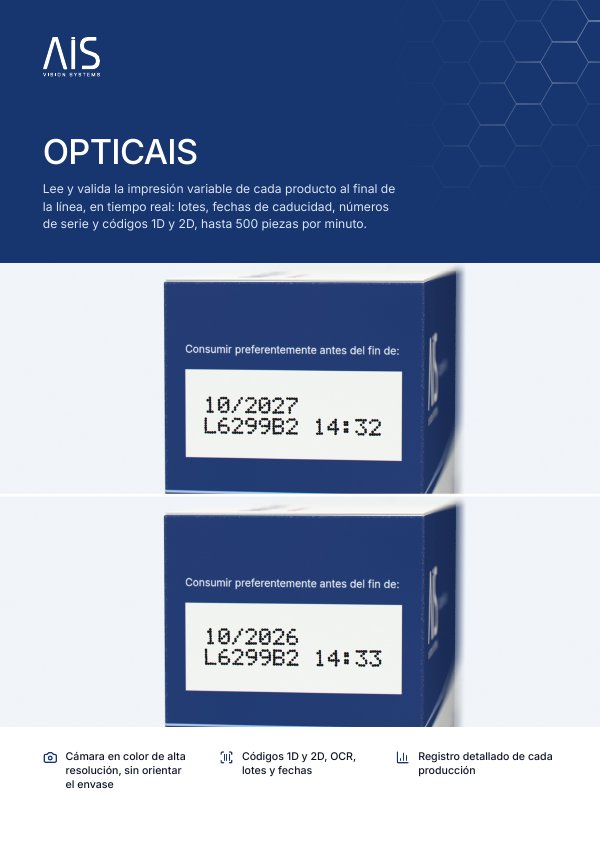 OPTICAIS4 pages
Omron
 Omron LVS-95104 pages
Print system
One print system builds brochures, catalogues and datasheets, so they read as one family. A machine brochure has three A4 pages, a datasheet four; a catalogue repeats the inner pages once per system.
| Part | Rule |
|---|---|
| Cover | Brand blue head with the white logo, the product name and one paragraph; the picture full bleed under it; three facts at the foot, each an icon and one line. |
| Logo | AIS Vision Systems 20 mm wide, Rosepetal 38 mm, on A4. It signs the piece; it never leads it. |
| Inspection page | A headline and an intro, then a picture tile for each detection with its name under it, cropped on the defect and grouped under small headings. |
| Equipment page | One large photograph, the specifications in a specification block, the options as hexagon icons, then the contact band. |
| Pages | Calm: white space instead of rules, hairlines only where a list needs them, one accent colour, nothing under 8.5 pt, no large pale panels with a small picture floating in them. |
| Cover picture | The sharpest, best-composed image the piece has: 240 ppi or more at print size, never a video frame, never soft or motion-blurred. A machine on a cover is working, with its product on the line. |
| Rebuilds | A rebuilt piece follows its original: the same pages, products and picture subjects and count. Restore the original’s figures with their conditions; drop superlatives. |
Every picture is a real photograph, one of our product images or exterior machine views, or a generated or composited image that passes the checks in Imagery. Client logos, wineries and appellations are blurred.
Sales documents
A proposal for one line (what we install, what it costs and on what terms) and a customer case study, both on the print system. The proposal’s customer and prices are examples: replace them all before it goes to a buyer. A case study goes out only with the customer’s written approval.
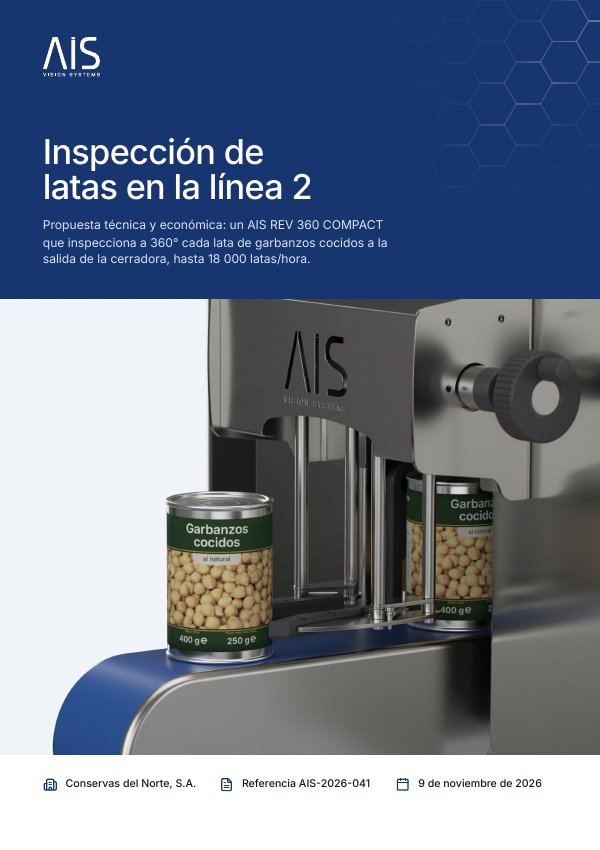 Technical and commercial proposal5 pages
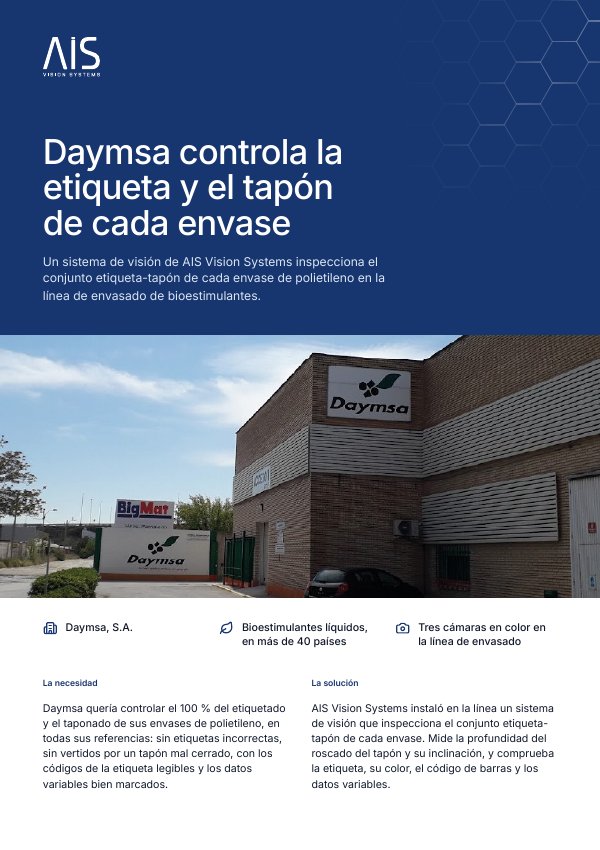 Daymsa case study2 pages
Presentations
Slides open on brand blue with the company line, say one thing each and close with one next step. Every deck is built from one template; the logo on a 1920 px slide is 140 px wide, the type scale follows Documents and presentations, and the hexagon pattern fades from one corner. The PPTX is the editable version.
 General presentation 202661 slides, in Spanish
 Automotive24 slides, in Spanish
 Beverages30 slides, in Spanish
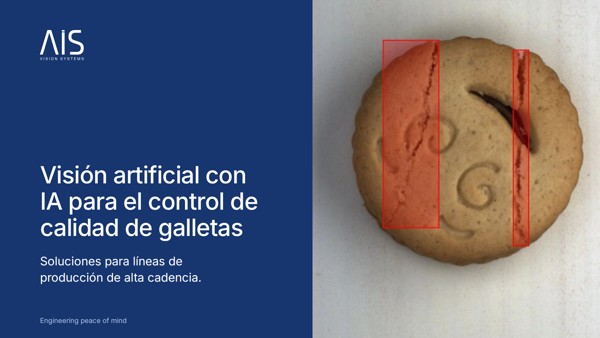 Biscuits26 slides, in Spanish
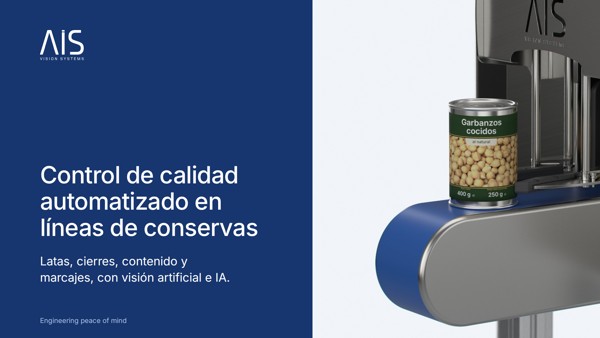 Canning27 slides, in Spanish
 Wine14 slides, in Spanish
LinkedIn posts and carousels
Each post comes with its text for LinkedIn. How they are built and every type: Social media.
 AIS HopperProduct post
 AIS KARIKÓDetection post
 AIS REV 360 STANDARDWhat it inspects
 AIS REV 360 COMPACTProduct post
 AIS REV 360 CablesProduct post
 AIS REV 360 PHARMADetection post
 OPTICAISReading post
 Rosepetal in a bakerySoftware in use
 Packaging ClusterCompany news
 Packaging Talks 2026Event recap
 José Racionero, RosepetalQuote
 DaymsaResult
 Batch and dateComparison
 AIS HopperDefects carousel, 5 slides
 AIS REV 360 PHARMADefects carousel, 5 slides
 AIS REV 360 COMPACTDefects carousel, 5 slides
 OPTICAISDefects carousel, 4 slides
 Guide to estimating ROIPractical guide, 7 slides
 Omron V275Partner carousel, 4 slides
 AIS KARIKÓDetection post
 Label inspectionDefects carousel, 4 slides
 MWC Barcelona 2026Event recap, 4 slides
 AIS HopperProduct carousel, 4 slides
 Canning line quality controlSector carousel, 6 slides
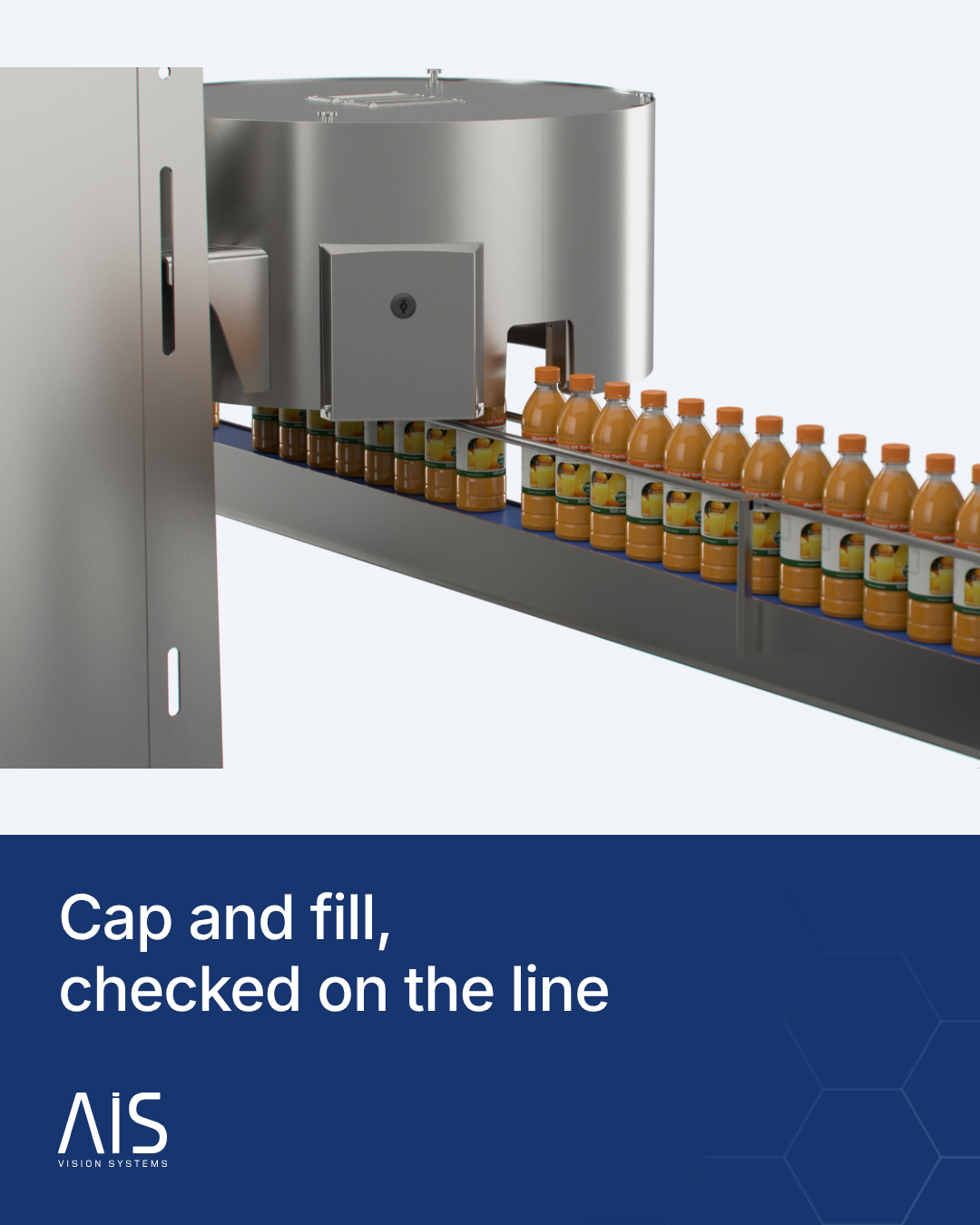


LinkedIn banners
The company page cover and the team’s profile banner for each brand with a LinkedIn page: brand blue, the hexagon landscape and one line, in English on every version. The page logo and the profile photo sit over the lower left, so the words start to the right of them.
 AIS Vision SystemsCompany page cover, 1512 × 256 px
 AIS Vision SystemsProfile banner for the team, 1584 × 396 px
 AIS GroupCompany page cover, 1512 × 256 px
 AIS GroupProfile banner for the team, 1584 × 396 px
 RosepetalCompany page cover, 1512 × 256 px
 RosepetalProfile banner for the team, 1584 × 396 px
Office kit
The letterhead is small and calm, with one hexagon fade in a corner. To write a letter in Word, start from the letter template; it carries the guide’s styles and logo, so type into the placeholders. To edit a deck in PowerPoint, start from the PPTX of the closest presentation above.
 LetterheadA4, in Spanish
 Word letterA4, in Spanish
Before opening the Office templates, install the three fonts in /kit/office/fonts/ (Inter, Inter Medium and Inter SemiBold, OFL licence); without them, Office falls back to Arial. Logos and pictograms are on Logos and Icons. Business cards carry personal phone numbers, so they are not published here: ask marketing for yours.